
Create and send email
-
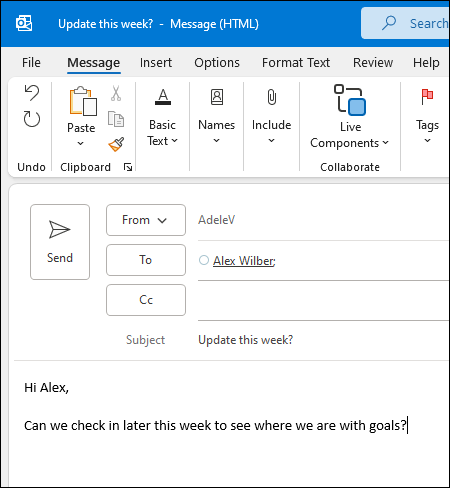
Choose New Email to start a new message.
-
Enter a name or email address in the To, Cc, or Bcc field.
If you don't see Bcc, see Show, hide, and view the Bcc box.
-
In Subject, type the subject of the email message.
-
Place the cursor in the body of the email message, and then start typing.
-
After typing your message, choose Send.
Focused Inbox
Focused Inbox helps you focus on the emails that matter most. It separates your inbox into two tabs—Focused and Other.
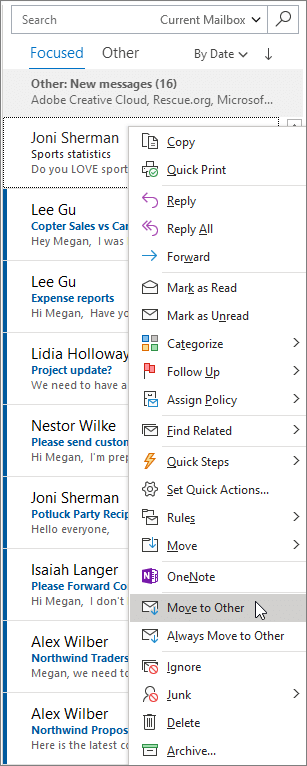
If messages aren't sorted the way you like, you can move them and set where to deliver future messages from that sender.
-
Select the Focused or Other tab.
-
Right-click the message you want to move and select Move to Other or Move to Focused.
To turn the Focused Inbox on or off:
-
Select View > Show Focused Inbox.
Comments
0 comments
Please sign in to leave a comment.