
Go to Home > Replace.
Enter the word or phrase you want to replace in Find what.
Enter your new text in Replace with.
Choose Replace All to change all occurrences of the word or phrase. Or, select Find Next until you find the one you want to update, and then choose Replace.
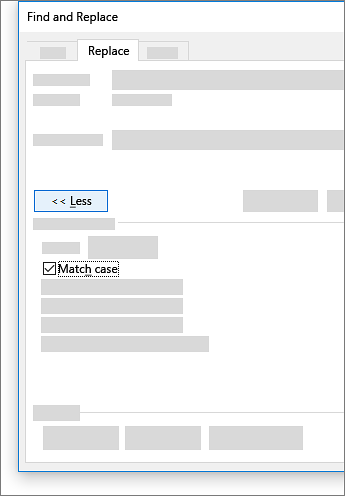
To specify only upper or lowercase in your search, select More > Match case. There are several other ways to search in this menu.
Comments
0 comments
Please sign in to leave a comment.