
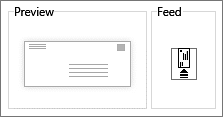
The trick to printing an envelope is knowing which way to feed the envelope into your printer. Word gets information from your printer and shows you the right feed option.
- Go to Mailings > Envelopes, and enter delivery and return addresses.
Place the blank envelope in the printer tray, according to the diagram in the Feed box.
- Select Print.
Tip: If the delivery address is especially long, or your envelope is a different size, select Options before you hit Print, and make your choices. Adjusting the amount From left gives you more room for the delivery address.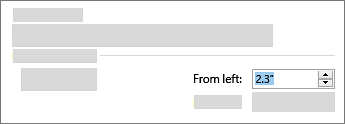
Comments
0 comments
Please sign in to leave a comment.