- Select File > Print. On the right, you’ll see a preview of your document. On the left, you'll see the Print button and the configurable Settings.
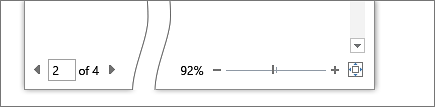
To see each page, click the arrow at the bottom of the preview, and if the text is too small, use the zoom slider to adjust it.
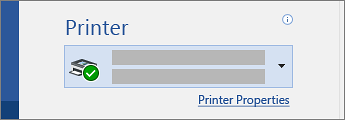
- Choose the number of copies you want, and choose the printer to use.
Explore Settings to print on both sides of the paper, change the paper orientation, and other configurations. These functions will differ according to the capabilities of your printer.
Note: For some settings, like printing in color or black and white, select Printer Properties.
- When you're ready, select Print.
M365 Word - Print your document

Comments
0 comments
Please sign in to leave a comment.