
- Do one of the following:
- Select Insert > Pictures > This Device for a picture on your PC.
- Select Insert > Pictures > Stock Images for high quality images or backgrounds.
- Select Insert > Pictures > Online Pictures for a picture on the web.
- Select the picture you want, and then select Insert.
Resize or move pictures
- To resize a picture, select the picture and drag a corner handle.
To wrap text around a picture, select the picture, and then select a wrapping option.
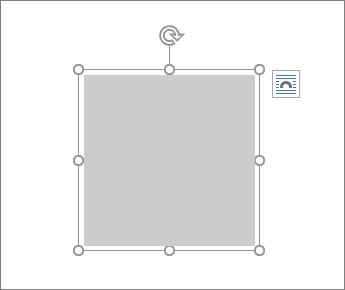
Tip: Pick something other than In Line with Text, and you can move the picture around the page: select the picture and drag it.
Comments
0 comments
Please sign in to leave a comment.