
To see the files that others have shared with you:
- Open Word, Excel, PowerPoint, or Visio. If you already have a document or workbook open, select File.
- Scroll down and select the Shared with Me tab, or select Open > Shared with Me.
Note: The Shared with Me list shows only documents from OneDrive – Personal, OneDrive for Business and SharePoint Online.
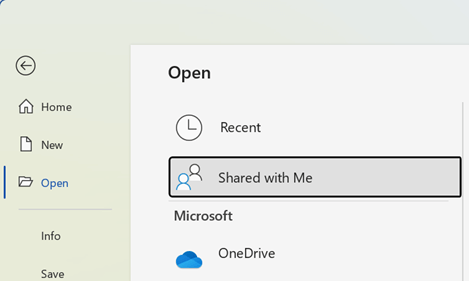 Open Shared with Me to see the list of files others have shared with you" style="box-sizing: border-box; border: none; max-width: 100%;"
Tip: If you plan to regularly access a file that was shared with you, find it on the Recent list and pin it to keep it near the top of the list.
Comments
0 comments
Please sign in to leave a comment.