
During meetings on Microsoft Teams, attendees can collaborate on a whiteboard -- a shared, freeform digital canvas on which meeting participants can write and draw -- much like a traditional whiteboard in a physical conference room. Here's how:
While in a meeting, select the Share
From the Whiteboard section, click Microsoft Whiteboard.
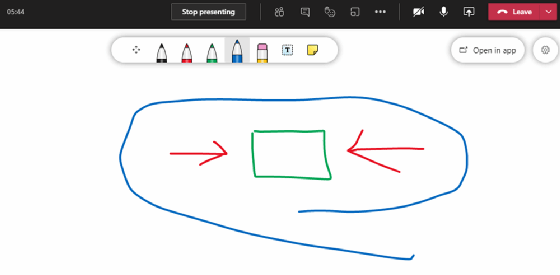
You can ink or type on the canvas that appears. To add text, select the Note or Text
To add ink, select the Pen icon, which can be used to draw, sketch or even type.
Comments
0 comments
Please sign in to leave a comment.